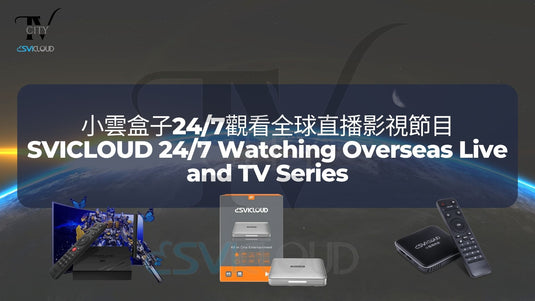
小雲電視盒子24/7觀看全球直播影視節目 | SVICLOUD 24/7 Watching Overseas Live and TV Series
Hoping to watch overseas films, television series and live programs, but can't find a way to watch them? Living in a foreign country and missing your hometown TV show? Always being too busy at work and missing out your favorite TV series? SICLOUD TV Box can help you!
想看其他國家的影視節目及直播,卻找不到途徑觀看?身於異國,想念家鄉的電視節目?忙於工作而總是錯過喜歡的電視劇?小雲電視盒子能夠幫到你!
You can choose to download different apps, then watch movies and TV series, and various videos from all over the world on different platforms.
你可以選擇下載不同應用程式,在不同的平臺觀看世界各地的電影及電視劇,及各種視頻。
**Note: You can install a third-party application to watch, the box does not have an application built in**
**注意:由於不同國家的法例規定,原裝正貨的盒子內不會預設任何影視app,請自行按需要選擇並安裝。**
SVICLOUD TV Box have app market. You can choose to download different applications. They will contain movies, TV series, documentaries and animations from different places. Most of the popular movies and drama can be found in it, and you can choose subtitles and audios in different languages, which is the best choice to kill time.
小雲盒子擁有應用程式市場。你可以選擇下載不同的影視應用程式。觀看包含來自不同地方的電影、電視劇、紀錄片和動漫,大部分時下人氣作品都能在裏面找到,而且可選擇字幕和不同語言的音訊,是消磨時間的最佳選擇。
There are also videos and lives of various popular sports games, allowing you to review the classics.
還有各項人氣體育比賽的回顧影片及體育節目,讓你回顧經典。
還有各項人氣體育比賽的回顧影片及體育節目,讓你回顧經典。
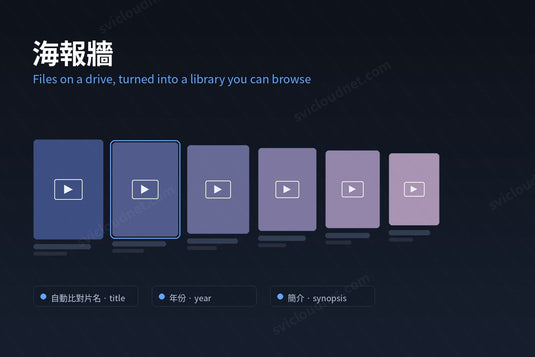
Besides, SVICLOUD support VOD function. Users can first select the genre they want to watch from the list above. After selecting the genre, the episodes or movies of that genre will be displayed below. After selecting the program you want to watch from the menu, press the play button to play the video.
另外,小雲電視盒子擁有VOD點播功能,方便用戶點選喜歡的節目觀看。用戶可以先從上方的目錄選擇自己想看的類型,選擇類型後下方會顯示了該類型的劇集或電影。從選單中點選出想收看的節目後,按播放鍵播放影片。
SVICLOUD 9P 小雲電視機頂盒 9P


延伸閱讀 / Related Reading
支援與教學 / Support & Guides
- 查詢訂單 — Track Your Order(輸入訂單編號即可查看物流狀態 / live carrier status)
- 小雲盒子完整安裝教學 — Complete Setup Guide
- 問題排解 — Troubleshooting
- 產品常見問題 — Product FAQs
- 售後服務與保固 — After-Sales & Warranty